Preferred trade partner of Saudi Tourism Authority

 Chat with us
Read latest news, guides and necessities about Hajj and Umrah.
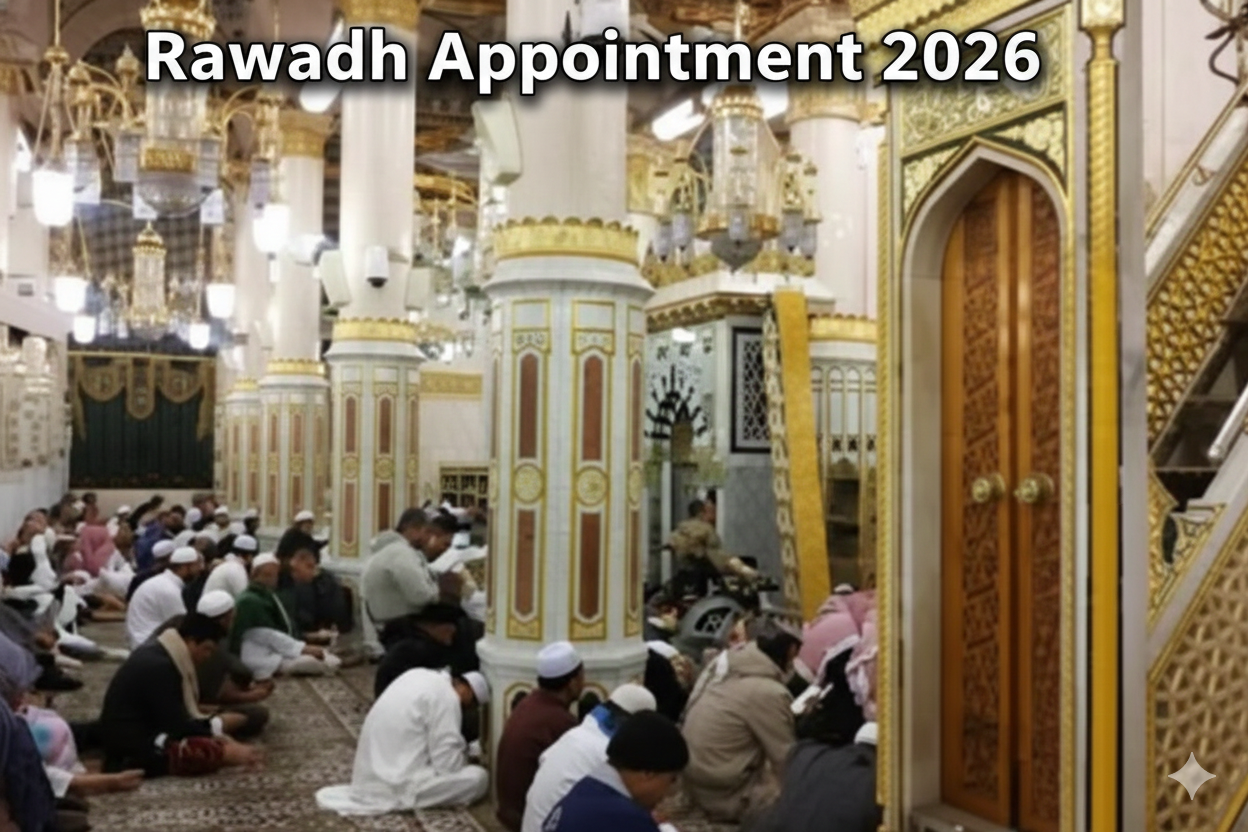
This is for UK pilgrims who are travelling to Madinah in 2026 and want a practical way to find Rawdah slots without wasting hours on the app It is also for anyone seeing empty months grey calendars or no availability every time
Important timing rule UK versus Saudi time
Rawdah inventory follows Saudi time Madinah runs on Saudi time all year The UK is behind Saudi time by either three hours when the UK is on GMT or two hours when the UK is on BST If you are unsure which one applies on your travel week check your phone time settings and confirm whether the UK is in summer time
What to do first the one minute routine that fixes most no availability screens
Open Nusuk and make sure you are logged in and your profile details are complete including the identity details required by the app Then navigate to the Rawdah service If you see no availability do not keep swiping the calendar Instead leave the Rawdah screen go back to the Nusuk home screen wait a moment then re enter the Rawdah service so the calendar reloads from scratch This simple re entry refresh works better than rapid swiping because it forces the app to pull new inventory
Best times to check UK friendly using Saudi time
Most people succeed when they check at a few consistent windows in Saudi time rather than checking randomly The goal is to be present when the app refreshes inventory or when cancellations re appear
A strong daily routine is morning midday and evening in Saudi time If you can only check once or twice choose midday and evening because many travellers tend to check at those times and cancellations also appear as people change plans
When you check follow the same method each time re enter the Rawdah service from the home screen so you get a clean calendar reload If you see a slot tap quickly because the fastest confirmations win
How to tell the difference between not released and fully booked
If you open the calendar and an entire future month is greyed out for everyone in your group it is usually not released rather than fully booked Fully booked typically looks like selectable days with no time slots whereas not released often looks like you cannot select days at all
A quick test is to check the same month on another phone or with another pilgrim in your group If both see the whole month blocked it is probably not released In that case the best strategy is to keep a light weekly checking habit and focus on getting the booking once you arrive in Madinah when near term dates are more likely to show
The no availability fix sequence that actually moves the needle
First confirm you are in the correct Rawdah booking service inside Nusuk and not a different mosque service
Second force a true refresh by returning to the Nusuk home screen then reopening the Rawdah service
Third update Nusuk to the latest version because booking behaviour and calendar loading can change after updates
Fourth switch networks if the calendar loads slowly or stays empty Try mobile data if hotel wifi is congested or try a different wifi network
Fifth sign out then sign back in if the app behaves oddly or if the service loads but never shows any selectable dates
Sixth reduce friction before you hunt slots Make sure each pilgrim in your group is ready on their own account if required and that profiles are complete because you can lose time during confirmation if details are missing
How to catch cancellations without wasting your day
Cancellations are the quickest wins because they can appear suddenly for near term dates The best way to catch them is to do short checks several times per day using the re entry refresh method rather than staying on the calendar for long periods Many people miss cancellations because they keep swiping inside the same session and the app never reloads properly
What to do once you see a slot so you do not lose it
Move fast but stay calm Choose the slot confirm the pilgrim details and complete confirmation immediately Do not switch apps during confirmation Keep your internet stable and your phone charged If the slot disappears retry the next check window because another cancellation may appear
Entry day tips so you do not lose your permit at the gate
Arrive early enough that you are not rushing Open Nusuk before you reach the gate so the permit is already loaded Keep your phone charged and keep a power bank with you Do not rely only on screenshots because staff may want to see the live permit screen If signal is weak step to a spot with better reception and keep the app open
When to ask your agent for help
If Rawdah is a top priority and you only have one or two nights in Madinah ask your agent to plan the Madinah hotel choice and daily routine around your slot hunting windows and your entry timing The right location and a calm schedule make it much easier to attempt multiple checks without stress